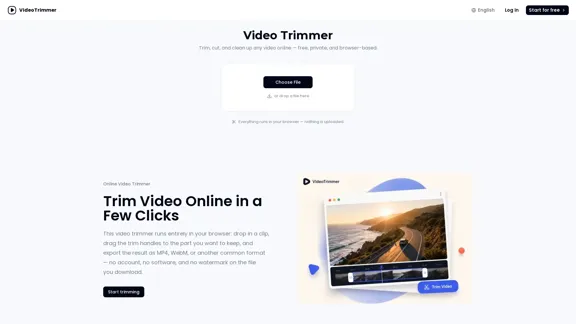
Video Trimmer is an online tool that allows users to trim, cut, and clean up videos quickly and efficiently. It operates entirely in the browser, ensuring privacy and ease of use without the need for software installation or account creation. Users can export their edited videos in various formats, making it a versatile solution for quick video editing tasks.
Video Trimmer - Free Online Video Cutting and Trimming
With Video Trimmer, you can easily cut and trim any video online in just a few seconds. Just upload your clip, choose the part you want to keep, and export it — all for free, with full privacy, and no software installation required.
Video
Sep 15, 2026
Visit Website
Video Trimmer Introduction
Video Trimmer Features
-
Browser-Based Operation
The video trimmer runs entirely in your browser, allowing users to drop in a video clip, adjust the trim handles, and export the result without uploading the file to a server.
-
Fast Clip Cleanup
Designed for quick edits, users can easily find the desired parts of their footage, cut out the unwanted sections, and export the trimmed video in just a few clicks.
-
Multiple Editing Options
Beyond trimming, users can crop, rotate, flip, resize, and adjust the speed of their videos. This comprehensive set of tools allows for more detailed edits without needing a full video editing suite.
-
Audio Adjustments
Users can enhance their videos by adjusting the volume, muting tracks, or looping clips for GIF-style repeats, providing flexibility in audio management.
-
Text and Image Overlays
The tool allows users to add titles, captions, logos, or stickers to their videos, enhancing the visual appeal before exporting.
-
No Watermark
Videos exported from the trimmer do not carry any watermarks, ensuring a professional finish for all users.
Video Trimmer How to Use?
- Open the Video Trimmer website and navigate to the trimming tool.
- Drag and drop your video file into the designated area.
- Use the trim handles to select the portion of the video you want to keep.
- Choose your desired export format (MP4, WebM, etc.) and click export.
- For additional edits, switch to other tabs to crop, rotate, or add text to your video.
Video Trimmer Q&A
Is this video trimmer really free to use?
Yes, trimming and exporting a clip does not require an account or subscription. Users can simply access the tool and start editing.
Does trimming lower the video quality?
No, the trimmed video maintains the same quality as the source file, provided the export settings are configured correctly.
What video formats can this video trimmer open?
The tool supports various common video formats, including MP4 and WebM.
Can I do more than cut the start and end?
Yes, users can also crop, rotate, resize, and add text or images to their videos.
Is there a limit on video length or file size?
The website does not specify limits, but performance may vary based on the user's device capabilities.
Does the trimmed video have a watermark?
No, the trimmed videos do not have any watermarks.
Can I trim a video on my phone?
Yes, the tool is accessible via mobile browsers, allowing users to trim videos on their phones.
Is my video uploaded to a server?
No, the trimming process runs locally in the browser, ensuring that the video remains on your device until you choose to export it.
Video Trimmer Price
Price data is not available yet, please go to the official website to check.
* Prices are for reference only. Please refer to the official latest data for actual prices.
Video Trimmer Evaluation
-
Video Trimmer excels in providing a straightforward and efficient solution for quick video edits, making it ideal for users who need to trim clips without the complexity of full video editing software.
-
The browser-based functionality ensures that users can work privately and quickly, without the need for installations or accounts.
-
While the tool is excellent for basic edits, users looking for advanced features may find it limited compared to comprehensive video editing software.
-
The lack of detailed support for longer or more complex video projects may deter professional users who require more robust editing capabilities.
-
Overall, Video Trimmer is a valuable tool for casual users needing quick edits, but it may not fulfill the needs of those requiring extensive video editing features.
Related Websites
Check Details
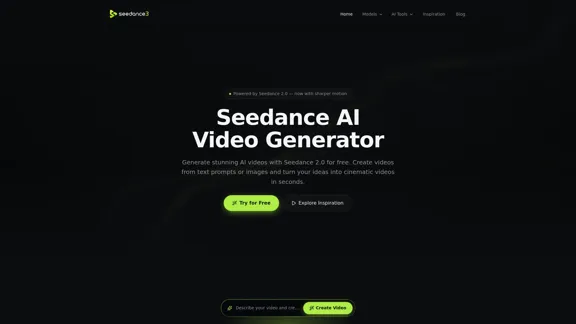
Free Seedance AI Video Generator - Create cinematic videos online without signing up.
Free Seedance AI Video Generator - Create cinematic videos online without signing up.Discover the Free Seedance AI Video Generator, where you can effortlessly create stunning videos every day. Dive into a world of AI-driven video creations, gather inspiration from our copy prompts, and bring your cinematic visions to life—all online and hassle-free.
--

Check Details
DeepFake - Comprehensive DeepFake AI Generator for Video, Image, and Music
DeepFake - Comprehensive DeepFake AI Generator for Video, Image, and MusicDeepFake AI is your all-in-one AI studio for creating deepfake videos, transforming images into videos, swapping faces, generating AI images, and composing AI music. With our platform, you can easily create consent-based face swap clips, stylized visuals, and soundtracks all in one convenient location.
--
Check Details
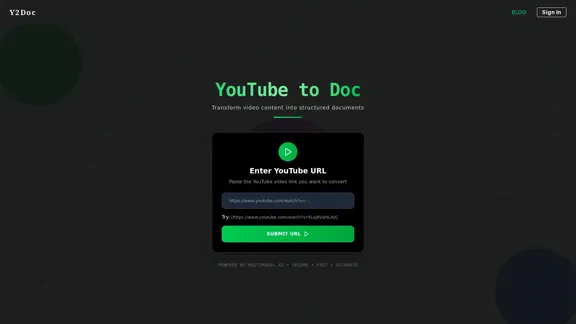
YouTube to Doc - Convert video content into organized documents.
YouTube to Doc - Convert video content into organized documents.Easily convert your favorite video content into well-organized documents. With YouTube to Doc, you can take the insights and information from videos and turn them into structured formats that are easy to read and reference.
50.96 K
Check Details
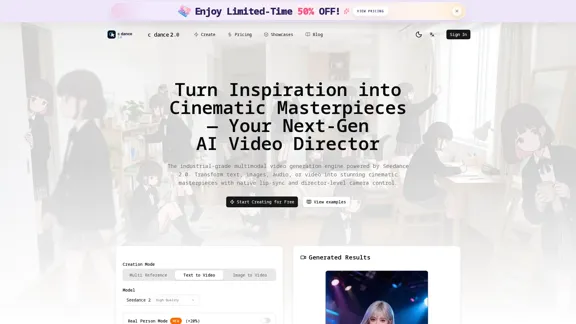
C Dance ai - Seedance 2.0 Multimodal Video Creator
C Dance ai - Seedance 2.0 Multimodal Video CreatorC Dance 2.0, powered by Seedance ai, allows you to seamlessly integrate text, images, audio, and video inputs. Enjoy the flexibility of multimodal reference and editing, along with director-level control for your creative projects.
--
Check Details
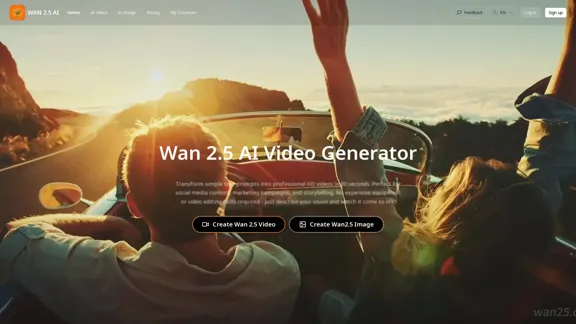
Wan 2.5 AI Video Generator - cinematic creation from text to video and image to video
Wan 2.5 AI Video Generator - cinematic creation from text to video and image to videoThe Wan 2.5 AI Video Generator makes it easy to turn your text and images into stunning videos. With native audio sync and the ability to create 1080P cinematic videos in just 3 minutes, you can bring your ideas to life effortlessly.
1.65 K
Check Details
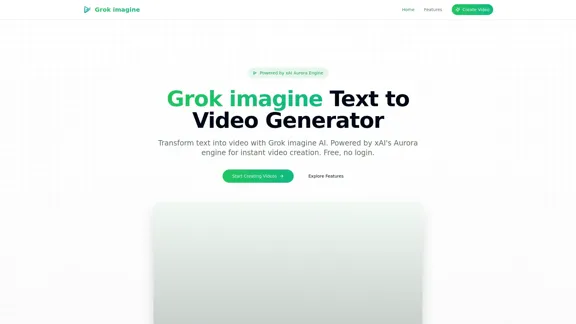
Turn your text prompts into videos in no time! With the power of xAI's Aurora engine, you can create videos quickly and for free, all without the hassle of signing up.
0
Check Details
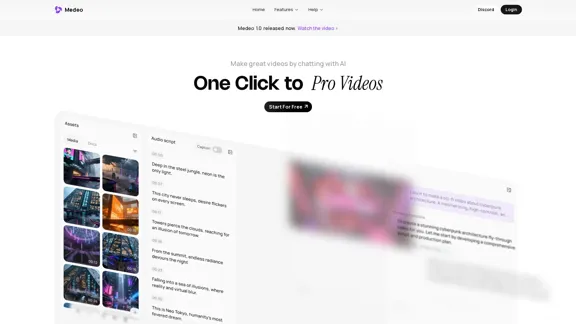
Medeo is your go-to AI-powered video studio that effortlessly handles intricate video processing tasks. With the help of intelligent AI workers, it tailors the editing process to meet your specific needs.
238.81 K
Check Details
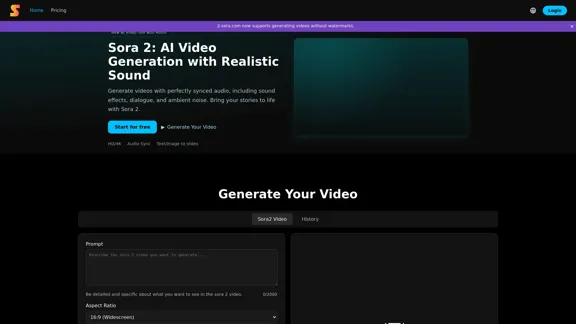
Sora 2 is your go-to AI video generator that seamlessly synchronizes audio with visuals. This cutting-edge tool enhances your videos with sound effects, dialogue, and ambient noise, making your content more engaging and lifelike.
464