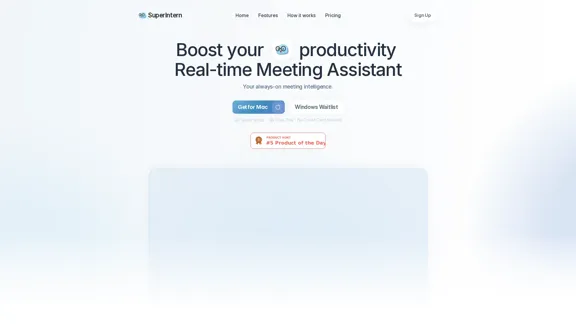
SuperIntern ist ein Echtzeit-Meeting-Assistent, der entwickelt wurde, um die Produktivität während Meetings zu steigern. Er bietet Funktionen wie Echtzeit-Meeting-Notizen, Transkripte und Übersetzungen, sodass die Benutzer sich auf Diskussionen konzentrieren können, ohne wichtige Punkte zu verpassen. Das Tool arbeitet unsichtbar für andere Teilnehmer und sorgt für ein professionelles Erscheinungsbild während der Meetings.
SuperIntern - Echtzeit-Meeting-Assistent
SuperIntern ist Ihr zuverlässiger Echtzeit-Meeting-Assistent, der Anrufe mühelos in Echtzeit übersetzt, live Meeting-Zusammenfassungen erstellt und während des gesamten Prozesses diskret bleibt. Probieren Sie es kostenlos aus!
Webseite besuchen
Always-on Meeting AI by SuperIntern Einführung
Always-on Meeting AI by SuperIntern Funktionen
-
Echtzeit-Meeting-Notiz
SuperIntern strukturiert und organisiert wichtige Punkte, während das Meeting stattfindet, und erstellt gut formatierte, leicht verständliche Notizen in Echtzeit. Diese Funktion hilft den Benutzern, den gesamten Verlauf der Diskussion zu erfassen und das große Ganze nicht aus den Augen zu verlieren.
-
Echtzeit-Transkript & Übersetzung
Das Tool transkribiert Meetings in Echtzeit, sodass die Benutzer sofort sehen können, was gesagt wurde. Es bietet auch Übersetzungsfunktionen und liefert Untertitel in einer zweiten Sprache, wie Spanisch und Englisch.
-
Kein Bot, Unsichtbar für Andere
Im Unsichtbaren Modus bleibt die Benutzeroberfläche von SuperIntern während des Bildschirmteilens oder von Screenshots verborgen, wodurch die Anzeige sauber und professionell bleibt. Benutzer können diesen Modus jederzeit deaktivieren, wenn sie die Benutzeroberfläche teilen möchten.
-
Einfache Einrichtung
Benutzer können SuperIntern einfach starten, wenn ein Meeting beginnt. Die Anwendung erkennt das Meeting automatisch und erscheint auf dem Bildschirm, was eine schnelle Initiierung ermöglicht.
-
Live-Unterstützung während Meetings
Während des Meetings können Benutzer auf Live-Transkripte und Notizen zugreifen, um alle auf Kurs zu halten. Die KI kann in Echtzeit Antworten, vorgeschlagene Antworten und Einblicke bereitstellen.
-
Strukturierte Meeting-Protokolle
Nach dem Meeting erstellt SuperIntern saubere, strukturierte Protokolle, die es den Benutzern ermöglichen, die Aufzeichnung und das vollständige Transkript jederzeit zur Überprüfung oder zum Teilen erneut zu besuchen.
Always-on Meeting AI by SuperIntern Wie benutzt man es?
- Installieren Sie die Desktop-App von der SuperIntern-Website.
- Wenn Sie eine Meeting-Benachrichtigung erhalten, öffnen Sie SuperIntern und klicken Sie auf „Aufnahme starten“, um das Meeting zu erfassen.
Always-on Meeting AI by SuperIntern Häufig gestellte Fragen
Wie unterscheidet sich SuperIntern von anderen KI-Meeting-Tools?
SuperIntern ist nicht nur als Transkriptionstool konzipiert, sondern als Echtzeit-KI-Assistent, der den Benutzern hilft, sich auf das Meeting und ihre Arbeit zu konzentrieren.
Wie benutze ich SuperIntern?
Um SuperIntern zu verwenden, installieren Sie die Desktop-App und klicken Sie auf „Aufnahme starten“, wenn Sie eine Meeting-Benachrichtigung erhalten.
Welche Meeting-Plattformen werden unterstützt?
SuperIntern unterstützt alle wichtigen Online-Meeting-Plattformen, einschließlich Zoom, Google Meet, Microsoft Teams, Slack Huddle und Webex sowie persönliche Meetings.
Welche Betriebssysteme werden unterstützt?
Derzeit unterstützt SuperIntern macOS, eine Windows-Version ist in Entwicklung.
Gibt es eine kostenlose Testversion?
Ja, SuperIntern bietet einen kostenlosen Plan, der sofort nach der Anmeldung verfügbar ist, ohne dass eine Kreditkarte erforderlich ist.
Always-on Meeting AI by SuperIntern Preis
| Plan | Preis | Funktionen |
|---|---|---|
| Kostenlos | $0 | Eingeschränkte Funktionen |
| Plus | $20 / Monat | 50 Stunden/Monat, Echtzeit-Transkription, Übersetzung und Meeting-Zusammenfassung |
| Enterprise | Individuell | Erweiterte Funktionen, benutzerdefinierte Nutzung und Unterstützung |
* Die Preise dienen nur als Referenz. Die tatsächlichen Daten entnehmen Sie bitte den neuesten offiziellen Angaben.
Always-on Meeting AI by SuperIntern Bewertung
- SuperIntern steigert effektiv die Produktivität von Meetings, indem es Echtzeit-Notizen und Transkripte bereitstellt, die die Konzentration und das Behalten von Informationen erheblich verbessern können.
- Der unsichtbare Modus ist eine einzigartige Funktion, die Professionalität während Meetings aufrechterhält und es zu einer herausragenden Option für Benutzer macht, die sich um Privatsphäre sorgen.
- Obwohl das Tool benutzerfreundlich ist, könnte die Abhängigkeit von einer Desktop-Anwendung die Zugänglichkeit für einige Benutzer einschränken, die mobile Lösungen bevorzugen.
- Zukünftige Verbesserungen könnten die Erweiterung der Sprachunterstützung für Übersetzungen und die Verbesserung der Benutzeroberfläche für eine bessere Navigation umfassen.
- Insgesamt ist SuperIntern ein wertvolles Tool für Fachleute, die ihre Meeting-Prozesse optimieren möchten, obwohl es möglicherweise nicht für alle Benutzer notwendig ist.
Always-on Meeting AI by SuperIntern Neueste Traffic-Informationen
Monatliche Besuche
4.32 K
Absprungrate (pro Monat)
85.96%
Seiten pro Besuch (pro Monat)
1.13
Besuchsdauer (pro Monat)(s)
9.84
Globaler Rang
4450289
Länderrang

Kürzliche Besuche
Traffic-Quellen
- Soziale Medien18.2%
- Bezahlte Empfehlungen1.2%
- E-Mail0.1%
- Empfehlungen8.3%
- Suchmaschine38.6%
- Direkt33.5%
Mehr Daten - Always-on Meeting AI by SuperIntern
Verwandte Webseiten
Details anzeigen
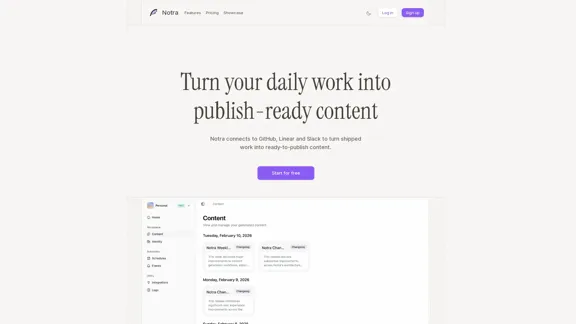
Notra - Verwandeln Sie Ihre tägliche Arbeit in veröffentlichungsbereite Inhalte.
Notra - Verwandeln Sie Ihre tägliche Arbeit in veröffentlichungsbereite Inhalte.Notra integriert sich nahtlos mit GitHub, Linear und Slack und verwandelt Ihre abgeschlossenen Aufgaben in ausgefeilte Änderungsprotokolle, ansprechende Blogbeiträge und Social-Media-Updates, die bereit zum Teilen sind.
0
Details anzeigen
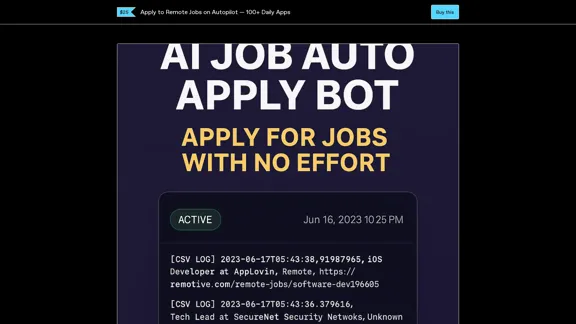
Bewerben Sie sich automatisch auf Remote-Jobs – 100+ Bewerbungen täglich
Bewerben Sie sich automatisch auf Remote-Jobs – 100+ Bewerbungen täglichMüde, Stunden mit der Jobsuche zu verschwenden? Dieser Bot erledigt die Arbeit für dich – während du schläfst.✅ Bewerbt sich täglich auf über 100 Remote-Jobs✅ Lädt deinen Lebenslauf hoch, füllt Formulare aus, protokolliert alles✅ Entwickelt für Entwickler, Vermarkter und Freiberufler✅ Vollständig gehostet – keine Programmierung oder Einrichtung erforderlich✅ Sofortiger Zugang. Lebenslange Lizenz.🧠 Arbeitet 24/7. Spart dir über 20 Stunden pro Woche💰 Einmalige Zahlung – keine Abonnements⏳ Schnapp es dir jetzt, bevor der Preis steigt🎬 Enthält eine Schritt-für-Schritt-Anleitung📁 Du erhältst den Bot, die Einrichtungsanleitung und Unterstützung. Klicke auf Jetzt kaufen und beginne in 10 Minuten mit der Bewerbung.
595
Details anzeigen
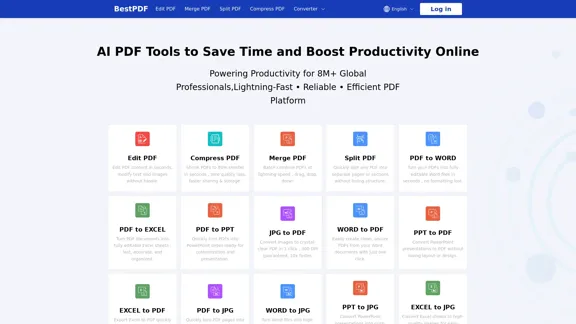
BestPDF - Alles-in-einem Online-PDF-Editor und -Konverter
BestPDF - Alles-in-einem Online-PDF-Editor und -KonverterBestPDF bietet eine umfassende Suite von Online-Tools für all Ihre PDF-Bedürfnisse. Egal, ob Sie PDFs bearbeiten, komprimieren, zusammenführen, aufteilen oder in Formate wie Word, Excel oder PPT konvertieren möchten, wir haben die Lösung für Sie. Genießen Sie ein schnelles und sicheres Erlebnis ohne Wasserzeichen.
115.42 K
Details anzeigen
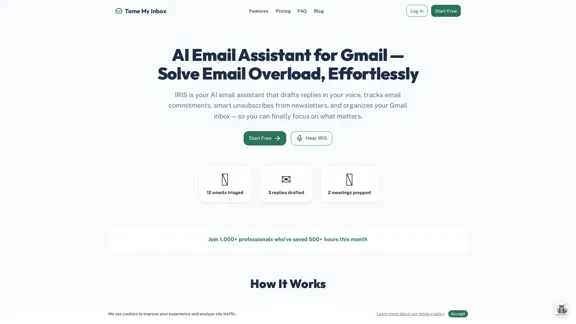
Bändige mein Posteingang - KI-E-Mail-Assistent für Gmail, der für dich schreibt und organisiert.
Bändige mein Posteingang - KI-E-Mail-Assistent für Gmail, der für dich schreibt und organisiert.Lernen Sie IRIS kennen, Ihren freundlichen AI-E-Mail-Assistenten für Gmail. Sie ist hier, um Ihnen zu helfen, Ihren Posteingang zu sortieren, Antworten zu entwerfen, die genau wie Sie klingen, Ihre Verpflichtungen im Auge zu behalten, Ihre Abonnements zu verwalten und die überwältigende E-Mail-Flut zu bewältigen. Mit IRIS an Ihrer Seite können Sie sich endlich auf das konzentrieren, was wirklich wichtig ist. Beginnen Sie noch heute Ihre kostenlose Testversion!
0
Details anzeigen
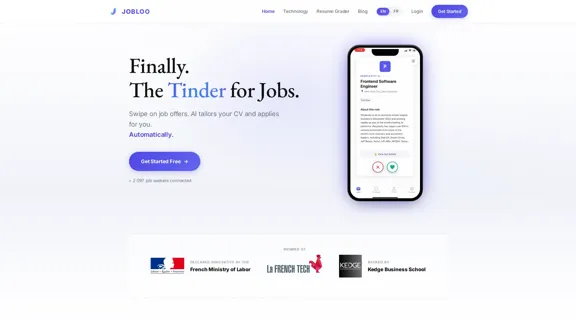
Jobloo — KI-Jobbewerbungsplattform: Wischen, KI passt Ihren Lebenslauf an, bewirbt sich automatisch.
Jobloo — KI-Jobbewerbungsplattform: Wischen, KI passt Ihren Lebenslauf an, bewirbt sich automatisch.Jobloo ist eine KI-Jobanwendungsplattform: Wischen Sie durch Jobs, die KI passt Ihren Lebenslauf für jede Bewerbung an und reicht ihn direkt bei Greenhouse, Workday, Lever und Ashby ein. 12,7 % Rückrufquote. Kostenlos starten – keine Kreditkarte erforderlich.
--
Details anzeigen
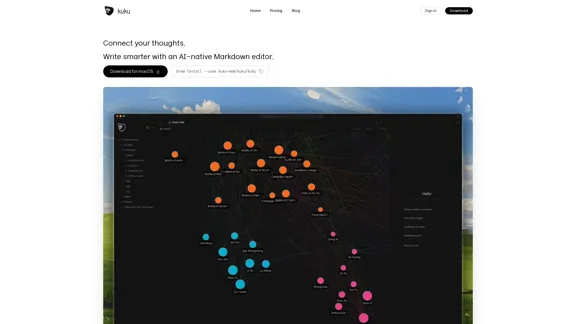
kuku.mom - Verbinden Sie Ihre Gedanken mit einem KI-nativen Markdown-Editor für macOS
kuku.mom - Verbinden Sie Ihre Gedanken mit einem KI-nativen Markdown-Editor für macOSSchreiben Sie intelligenter und optimieren Sie Ihre Ideen mit kuku.mom, dem KI-nativen Markdown-Editor, der speziell für macOS-Benutzer entwickelt wurde.
0
Details anzeigen
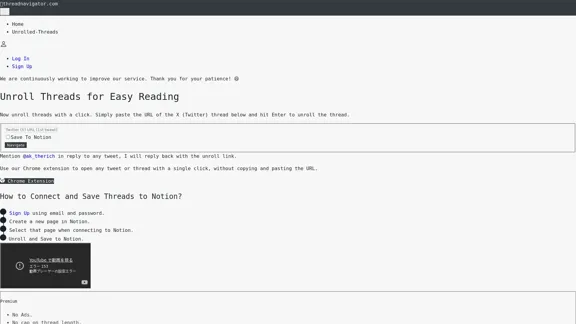
Thread Navigator - Threads lesen und in Notion speichern
Thread Navigator - Threads lesen und in Notion speichernThread Navigator ist eine praktische App, die X (Twitter) Threads mühelos kostenlos entrollt. Sie vereinfacht das Leseerlebnis und ermöglicht es Ihnen, Threads als PDFs herunterzuladen oder sie direkt in Notion zu speichern.
11.45 K
Details anzeigen
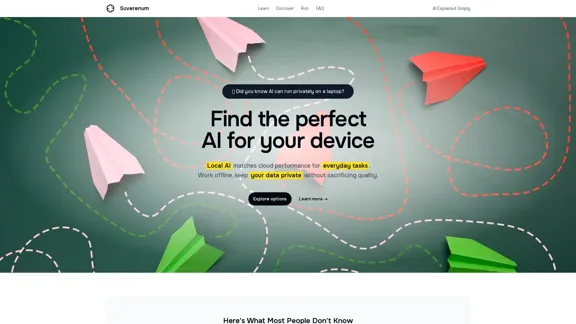
Suverenum AI - Finde die perfekte KI für deinen Laptop
Suverenum AI - Finde die perfekte KI für deinen LaptopEntdecken Sie eine KI, die cloudähnliche Leistung direkt auf Ihr Laptop bringt. Genießen Sie die Freiheit, offline zu arbeiten, während Sie Ihre Daten sicher und privat halten, ohne dabei auf Qualität zu verzichten.
15.85 K
Verwandte Artikel
AI-Produkte
Product Hunt 2025 Woche 48 Auswahl der beliebten KI-Tools
Hier ist eine Zusammenstellung der 20 beliebtesten KI-Tools auf der Product Hunt-Plattform in der 48. Woche des Jahres 2025, die viel Aufmerksamkeit erhalten haben.
12/1/2025
Read More