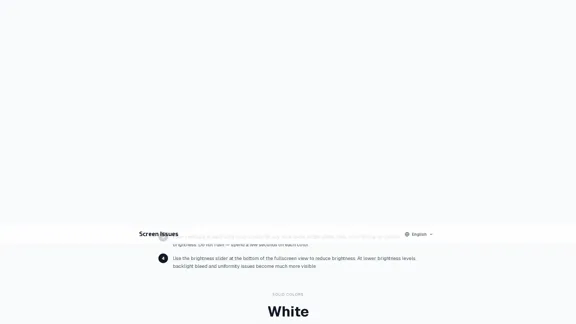
The Screen Test Tool is designed to help users identify various screen issues such as dead pixels, bright spots, and backlight bleed. This free tool offers multiple test modes, including solid colors, color gradients, test patterns, and a motion blur test, making it easy to evaluate the health of your display on devices like laptops, monitors, tablets, and smartphones.
Screen Test Tool - Check for Dead Pixels and Bright Spots
Discover our free screen test tool designed to help you identify dead pixels, bright spots, and backlight bleed. It automatically cycles through a range of colors including white, black, red, green, blue, and gray for a comprehensive check.
AI Detector
May 31, 2026
Visit Website
ScreenIssues AI Introduction
ScreenIssues AI Features
-
Test Modes
The tool includes four test modes:
-
Solid Colors: Tests with pure colors (white, black, red, green, blue, gray) to detect dead pixels and bright spots.
-
Color Gradients: Reveals banding, color tinting, and uniformity issues.
-
Test Patterns: Identifies pixel failures using various patterns (horizontal lines, vertical lines, grid, checkerboard, RGB stripes).
-
Motion Blur Test: Evaluates the display's response time.
-
-
Auto-Cycle Feature
The auto-cycle feature allows users to cycle through solid colors hands-free, enabling a thorough inspection of the screen from a distance.
-
Brightness Adjustment
Users can adjust the brightness slider to enhance visibility of backlight bleed and uniformity issues at lower brightness levels.
-
User-Friendly Interface
The tool is easy to navigate, with options to cycle through tests using keyboard shortcuts or on-screen buttons.
ScreenIssues AI How to Use?
- Click "Fullscreen" to maximize the test color on your screen.
- Use the "Next" and "Previous" buttons or arrow keys to cycle through colors.
- Spend a few seconds on each color to carefully inspect for defects.
- Adjust the brightness slider to improve visibility of potential issues.
ScreenIssues AI Q&A
How do I know if I have a dead pixel?
A dead pixel appears as a small dark dot that remains unchanged against various backgrounds. Displaying a pure white background will confirm its presence.
What is the difference between a dead pixel and a bright spot?
A dead pixel does not emit light and appears as a dark dot, while a bright spot glows on dark backgrounds, often caused by pressure or backlight bleeding.
Can a dead pixel be fixed?
Dead pixels cannot be revived if they are completely failed. However, stuck pixels may be corrected using pixel-fixing tools.
How is backlight bleed detected?
Backlight bleed is identified by running a black screen test in a dark room and adjusting brightness to reveal light leakage from the edges.
How many dead pixels are acceptable on a new screen?
Standards vary, but typically 3 to 5 dead pixels are acceptable depending on their location. Check the manufacturer's warranty for specific policies.
ScreenIssues AI Price
Price data is not available yet, please go to the official website to check.
* Prices are for reference only. Please refer to the official latest data for actual prices.
ScreenIssues AI Evaluation
- The Screen Test Tool effectively identifies various screen defects, making it a valuable resource for users wanting to assess their displays.
- The user-friendly interface and multiple testing modes enhance the overall experience, allowing for thorough inspections.
- However, the tool could benefit from additional features, such as a detailed report generation after tests are completed.
- While it serves its purpose well, users may need to combine this tool with professional diagnostics for more complex issues.
Related Websites
Check Details
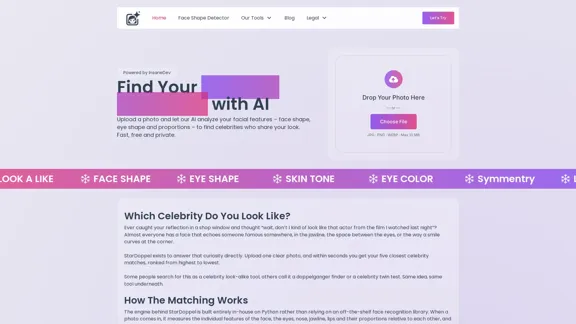
AI Celebrity Look Alike Finder - Find your celebrity look alike for free.
AI Celebrity Look Alike Finder - Find your celebrity look alike for free.Discover your celebrity doppelganger effortlessly with our AI-powered look alike finder. Simply upload your photo, and you'll receive instant results without the hassle of signing up.
--

Check Details
Simplora is your go-to live AI meeting assistant that helps you understand information instantly and learn from every conversation in real-time.
0
Check Details
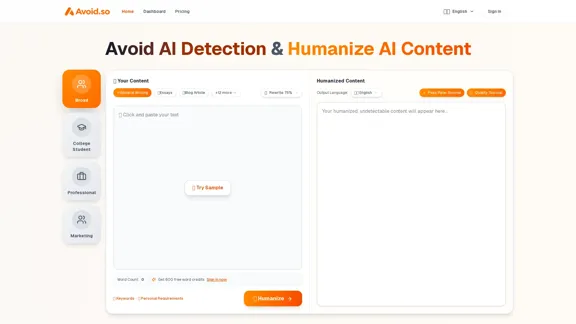
Avoid.so - Evade AI Detection with a 99.8% Success Rate
Avoid.so - Evade AI Detection with a 99.8% Success RateAvoid.so is your go-to solution for slipping past AI detection with an impressive 99.8% success rate. Our advanced humanization technology transforms AI-generated content, ensuring it sails smoothly past detectors like GPTZero, Turnitin, and Originality.AI. Experience the ease of avoiding AI detectors with us.
98
Check Details
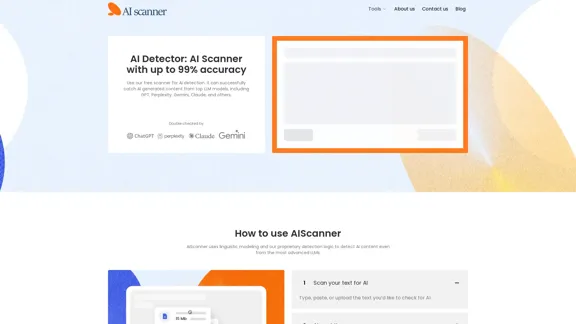
Discover our free AI detector, the AI Scanner, designed to accurately identify AI-generated text from platforms like ChatGPT, Gemini, Meta AI, Claude, Grok, and more. With an impressive accuracy rate of up to 99%, you can trust our tool to deliver reliable results.
--
Check Details
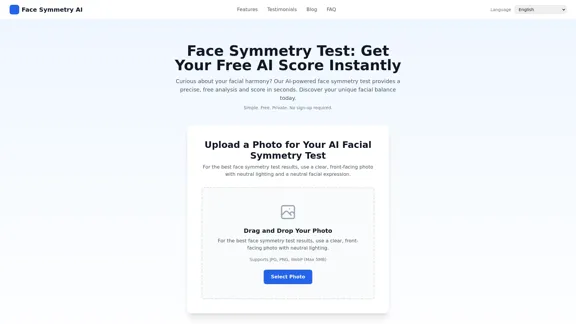
Face Symmetry Test - AI symmetry score and customized insights
Face Symmetry Test - AI symmetry score and customized insightsThe Face Symmetry Test uses AI technology to analyze your photo, giving you immediate symmetry scores and a detailed report that emphasizes both balanced and distinctive facial features, all while protecting your privacy.
0
Check Details
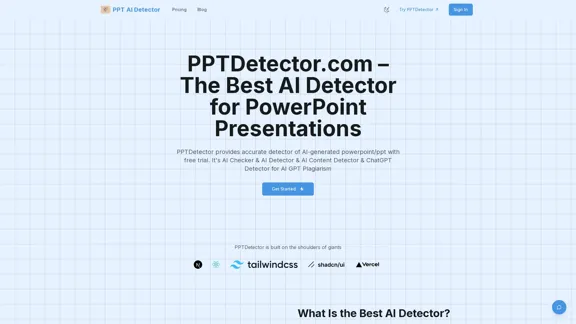
AI Detector for PPT - Precise identification of AI-created material
AI Detector for PPT - Precise identification of AI-created materialDiscover a reliable tool for identifying AI-generated content in your PowerPoint presentations. Our AI checker effectively analyzes PPTX files created by popular models like ChatGPT, GPT, Gemini, Grok, Claude, and Deepseek, ensuring your work maintains its authenticity.
7.34 K
Check Details
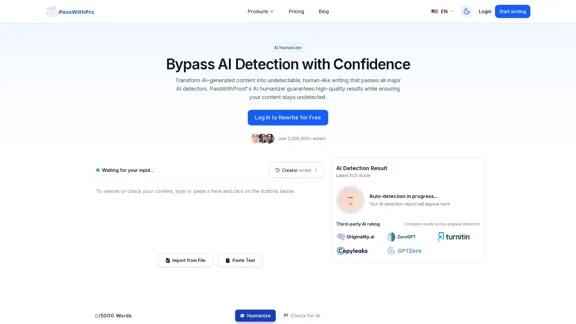
PassWithProof - The best AI tool to make content more human-like and avoid AI detection.
PassWithProof - The best AI tool to make content more human-like and avoid AI detection.With PassWithProof's AI humanizer, you can easily bypass AI detection systems. Our tool ensures that your content not only evades major AI detectors but also maintains a high level of quality and a natural writing style.
0
Check Details
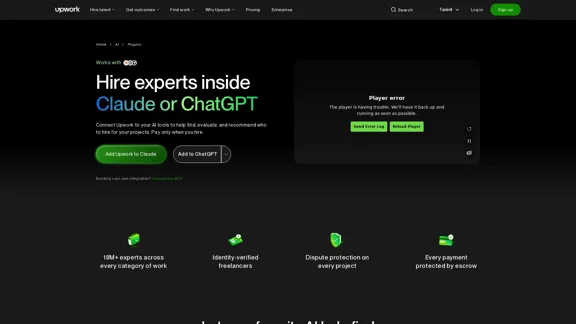
Upwork - Connect with Claude or ChatGPT to discover the best freelancers.
Upwork - Connect with Claude or ChatGPT to discover the best freelancers.Easily connect Upwork with Claude or ChatGPT, and allow your AI to handle the hard work. It will search through millions of experts, assess their skills, and suggest the top freelancers for your projects. Additionally, incorporating this feature is entirely free!
--