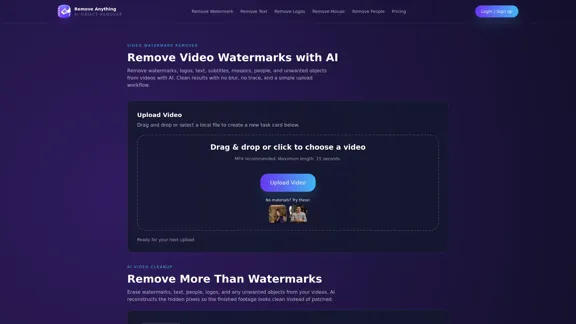
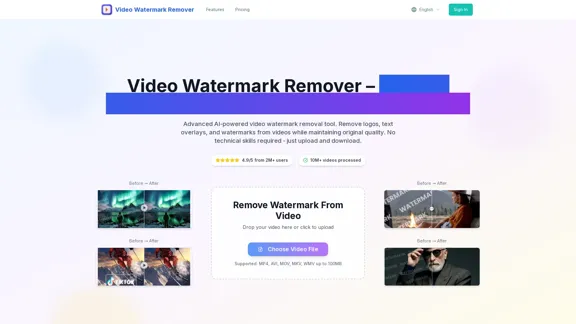
Remove Anything 是一款由人工智能驱动的视频水印去除工具,允许用户从视频中消除水印、标志、文本、字幕、马赛克和不需要的物体。该工具提供清晰的结果,没有模糊或痕迹,确保无缝的编辑体验。通过简单的上传工作流程,用户可以轻松提升他们的视频内容。
广告
RemoveAnything 介绍
RemoveAnything 功能
-
综合去除选项
Remove Anything 使用户能够从视频中擦除各种元素,包括水印、标志、文本、字幕、马赛克,甚至是人物。这种多功能性使其适用于广泛的视频编辑需求。
-
人工智能驱动的重建
该工具利用先进的人工智能技术重建被去除元素后面的隐藏像素,确保最终画面看起来自然且无瑕疵。与其他可能留下可见补丁的工具不同,Remove Anything 将编辑与周围视频无缝融合。
-
用户友好的工作流程
过程简单明了:上传视频,选择要去除的元素,预览人工智能修复的结果。这种简单性提升了用户体验,使其对新手和经验丰富的视频创作者都易于使用。
-
支持常见视频格式
该平台建议使用 MP4 格式以获得最佳的上传和预览性能,确保顺畅的编辑过程。
-
视频长度限制
目前,该工具支持最长 15 秒的视频,这使得处理速度快且结果审查更容易。
-
安全和合法使用
Remove Anything 旨在让用户编辑他们拥有或有权修改的视频,促进该工具的伦理使用。
RemoveAnything 如何使用?
- 首先访问 Remove Anything 网站并登录您的账户。
- 点击“上传视频”按钮以开始处理。
- 选择一个视频文件(最好是 MP4 格式),长度不超过 15 秒。
- 选择您希望从视频中去除的元素。
- 预览人工智能生成的结果,以确保符合您的期望。
- 下载清理后的视频以供使用。
RemoveAnything 常见问题
我可以免费试用 Remove Anything 吗?
是的,您可以先使用在线上传工作流程并查看任务详情,然后再进行处理。最终的人工智能处理可能需要积分或有效计划。
哪种视频格式效果最好?
建议使用 MP4 格式以获得最顺畅的上传和预览体验,尽管也接受常见的视频文件。
我上传的视频可以多长?
当前工作流程支持最长 15 秒的视频,这使得人工智能重建快速且可预测。
结果会模糊吗?
不会,Remove Anything 旨在重建而不是应用模糊补丁,确保修复区域与周围视频良好融合。
它能处理移动或半透明水印吗?
可以,该工具专为常见创作者清理案例而设计,但结果可能因运动和背景复杂性而有所不同。
我的原始视频会被更改吗?
不会,原始上传的视频保持不变。该工具创建一个单独的任务和输出。
RemoveAnything 价格
价格数据尚不可用,请访问官方网站以获取更多信息。
* 价格仅供参考,实际请以官方最新数据为准。
RemoveAnything 评价
- Remove Anything 有效地实现了去除视频中各种不需要元素的目的,提供干净且专业的结果。
- 人工智能重建技术是一个显著优势,因为它避免了其他工具常见的可见补丁问题。
- 用户友好的界面和简单的工作流程提高了各技能水平用户的可访问性。
- 然而,15 秒视频长度的限制可能会限制需要编辑更长内容的用户。
- 此外,虽然该工具功能强大,但用户必须确保他们有合法权利编辑所处理的视频,以避免潜在的版权问题。
相关网站
查看详情
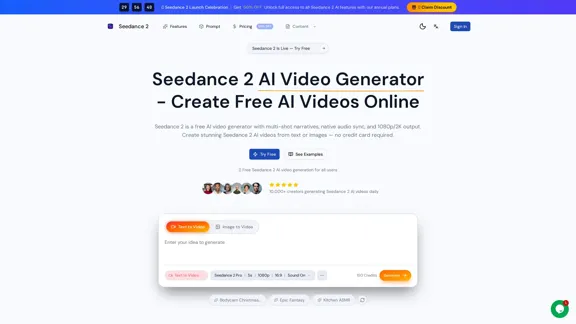
Seedance 2 AI 提供了一种出色的方式来免费创建令人惊叹的视频。凭借其文本转视频和图像转视频的功能,以及多镜头叙事,您可以轻松地将您的想法以高质量的 1080p 或 2K 输出呈现出来。
查看详情
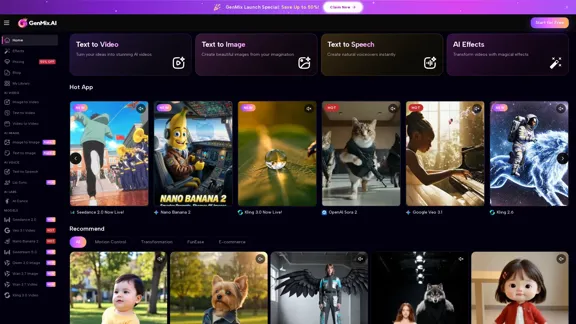
欢迎来到GenMix,您的首选AI平台,汇集了超过30个强大的模型,如Sora 2、Kling 2.6、Veo 3.1和Flux。使用GenMix,创建令人惊叹的视频、迷人的图像和专业的配音变得轻而易举。您所需的一切都在这里,一应俱全。
查看详情
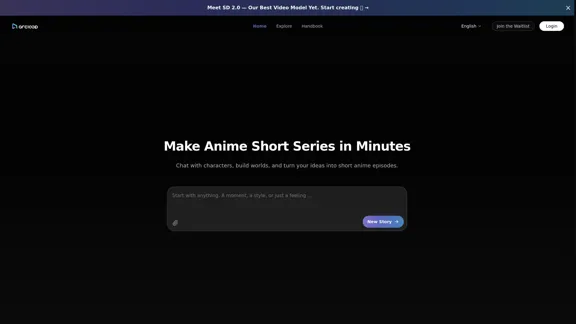
发现 Arcloop AI,您终极的创意伴侣,用于创作令人惊叹的动漫艺术、视频、角色和故事板。与角色进行对话,头脑风暴新想法,并使用我们的专业工具将您的电影愿景变为现实。
查看详情
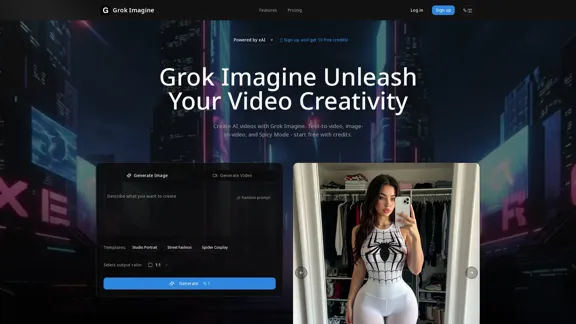
释放你的创造力,使用Grok Imagine,这款AI视频生成器将你的想法转化为惊艳的视频。无论你是想将文本转换为视频,还是将图像转换为视频并配上完美同步的音频,我们都能满足你的需求。选择正常、趣味或刺激模式,以匹配你的风格。此外,今天就开始使用免费积分!
查看详情
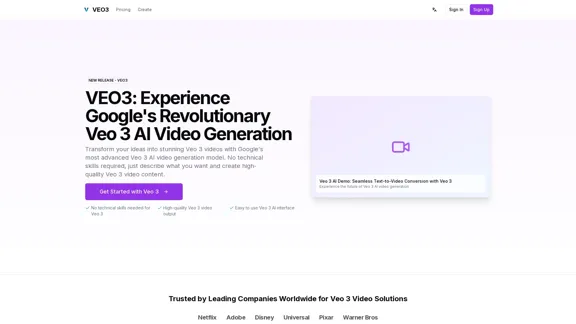
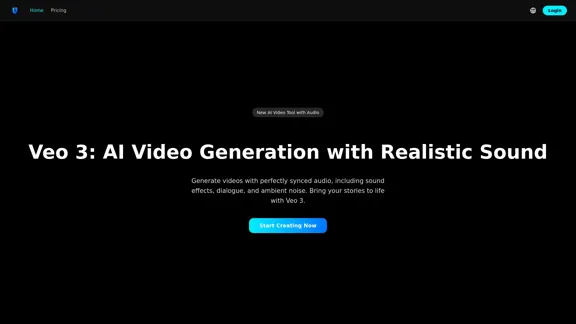
使用Veo 3视频将您的创意愿景变为现实,得益于谷歌尖端的Veo 3 AI视频生成技术。探索Veo 3的惊人功能,并通过Flow AI等创新工具提升您的创作过程。
查看详情
使用Veo 3,您可以轻松创建令人惊叹的视频,利用谷歌尖端的人工智能技术。享受原生音频、4K分辨率和逼真的物理效果等功能,让您的创意栩栩如生。
查看详情
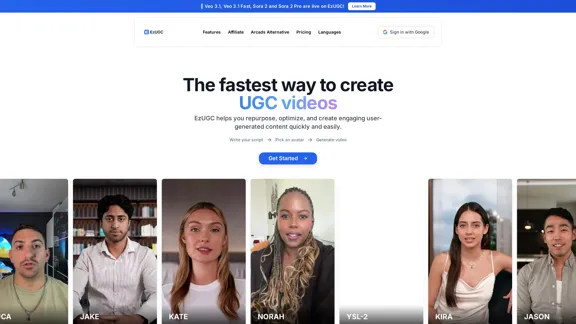
轻松制作引人注目的广告,拥有超过250个逼真的AI演员。借助EzUGC的先进AI技术,您可以在短短几分钟内制作专业的用户生成内容视频和静态广告。
查看详情
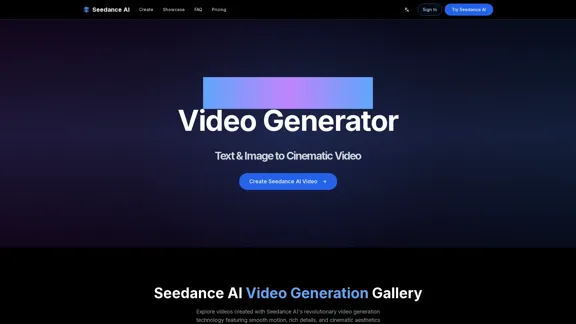
使用Seedance AI,您可以轻松地从文本和图像中创建令人惊叹的电影视频。体验革命性的视频生成,让流畅的运动和丰富的细节栩栩如生。
同分类热门 · 视频
相似标签的工具
这是你的工具吗?
免费认领后即可编辑资料,并解锁 dofollow 链接。