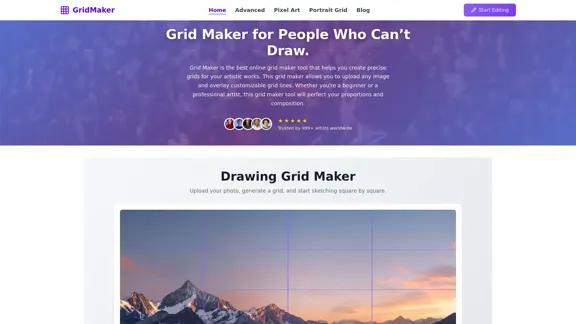
Grid Maker ist ein Online-Tool, das für Künstler aller Fähigkeitsstufen entwickelt wurde und es den Nutzern ermöglicht, präzise Gitter für ihre künstlerischen Projekte zu erstellen. Durch das Hochladen von Bildern und das Überlagern anpassbarer Gitternetzlinien vereinfacht es den Zeichenprozess und verbessert die Genauigkeit von Proportionen und Kompositionen. Dieses Tool ist ideal für sowohl Anfänger als auch Profis und macht die Kunstschaffung zugänglicher.
Kostenloser Online-Foto-Raster-Generator - Keine Designfähigkeiten erforderlich
Entdecken Sie den ultimativen Grid Maker, der für Anfänger entwickelt wurde. Sie können mühelos beeindruckende Kunstwerke erstellen, ohne zeichnen zu können. Das Beste daran ist, dass es völlig kostenlos ist und keine Anmeldung erforderlich ist. Laden Sie einfach Ihr Foto hoch und legen Sie los!
Design & Kunst
Jul 16, 2026
Webseite besuchen
Grid Maker Pro Einführung
Grid Maker Pro Funktionen
-
Bild Hochladen
Nutzer können ganz einfach ein Referenzbild in den Grid Maker hochladen, indem sie es ziehen oder ihre Dateien durchsuchen.
-
Anpassbare Gittergröße
Der Grid Maker ermöglicht es den Nutzern, die Gittergröße anzupassen, wobei 6 Spalten für die meisten Zeichnungen empfohlen werden, um Flexibilität je nach Komplexität des Kunstwerks zu bieten.
-
Gitterbeschriftungen
Das Aktivieren von Gitterbeschriftungen hilft den Nutzern, ihre Position beim Zeichnen zu verfolgen, was es einfacher macht, die Genauigkeit während des Prozesses aufrechtzuerhalten.
-
Kunstwerk Skalierung
Der Grid Maker erleichtert das Skalieren von Bildern bis zu 10x oder 20x größer, ohne Details zu verlieren, was einen einfachen Transfer von kleinen Fotos auf größere Leinwände ermöglicht.
-
Lernwerkzeug
Die Gittermethode hilft nicht nur beim Zeichnen, sondern dient auch als Lernwerkzeug, das den Nutzern hilft, Linien, Winkel und Abstände durch einen schrittweisen Ansatz zu verstehen.
-
Anpassungsoptionen
Nutzer können die Gittereinstellungen anpassen, einschließlich Farbe, Dicke und der Hinzufügung von diagonalen Hilfslinien, um das Tool an ihren persönlichen Zeichenstil anzupassen.
-
Kostenlos zu Nutzen
Der Grid Maker ist kostenlos für persönliche und Bildungsprojekte, was die Nutzer ermutigt, mit verschiedenen Gittereinstellungen zu experimentieren und neue Referenzen zu erstellen.
Grid Maker Pro Wie benutzt man es?
- Laden Sie Ihr Referenzbild hoch, indem Sie es in den Grid Maker ziehen oder klicken, um zu durchsuchen.
- Passen Sie die Gittergröße an Ihre Zeichenbedürfnisse an; 6 Spalten sind ein guter Ausgangspunkt.
- Aktivieren Sie die Gitterbeschriftungen, um Ihre Position sowohl auf dem Referenzbild als auch auf Ihrem Zeichenpapier zu verfolgen.
- Verwenden Sie das gerasterte Referenzbild, um jeden Abschnitt genau auf Ihr Papier zu zeichnen, wobei Sie sich auf ein Quadrat gleichzeitig konzentrieren.
Grid Maker Pro Häufig gestellte Fragen
Was ist die Gittermethode zum Zeichnen?
Die Gittermethode besteht darin, ein Gitter über ein Referenzbild zu legen und ein entsprechendes Gitter auf Papier zu zeichnen, was einen genauen Bildtransfer ermöglicht, indem man sich auf ein Quadrat gleichzeitig konzentriert.
Welche Bildformate und -größen kann ich im Grid Maker hochladen?
Der Grid Maker akzeptiert JPG- und PNG-Formate. Für die besten Ergebnisse verwenden Sie klare, hochauflösende Bilder, um sicherzustellen, dass die Gitterlinien scharf bleiben.
Wie viele Gitterquadrate sollte ich im Grid Maker verwenden?
Für die meisten Zeichnungen wird empfohlen, mit 6 Spalten zu beginnen. Passen Sie die Anzahl der Quadrate je nach Komplexität des Motivs an.
Warum sind Gitterbeschriftungen hilfreich bei der Verwendung eines Grid Makers?
Gitterbeschriftungen helfen den Nutzern, schnell die gleiche Position sowohl auf dem Referenzbild als auch auf dem Zeichenpapier zu finden, wodurch Verwirrung während des Zeichenprozesses vermieden wird.
Kann ich das Gitter im Grid Maker anpassen?
Ja, Nutzer können die Gittereinstellungen wie die Anzahl der Reihen und Spalten, Linienstärke und Farbe anpassen sowie diagonale Hilfslinien aktivieren.
Ist der Zeichen-Gitter-Maker kostenlos zu nutzen?
Ja, der Grid Maker ist kostenlos für persönliche und Bildungsprojekte, sodass Nutzer ihre Gitterausgaben erstellen und drucken können.
Grid Maker Pro Preis
Preisdaten sind noch nicht verfügbar, bitte besuchen Sie die offizielle Website für weitere Informationen.
* Die Preise dienen nur als Referenz. Die tatsächlichen Daten entnehmen Sie bitte den neuesten offiziellen Angaben.
Grid Maker Pro Bewertung
-
Grid Maker vereinfacht effektiv den Zeichenprozess und macht ihn für Nutzer ohne vorherige künstlerische Fähigkeiten zugänglich. Die Gittermethode hilft, genaue Proportionen und Kompositionen zu erreichen.
-
Obwohl das Tool benutzerfreundlich ist, könnten einige Nutzer zusätzliche Funktionen wie erweiterte Bearbeitungsoptionen oder mehr Anpassungsmöglichkeiten benötigen.
-
Der Grid Maker könnte von verbesserten Bildverarbeitungsfähigkeiten profitieren, um eine breitere Palette von Bildqualitäten und -größen zu verarbeiten.
-
Insgesamt ist Grid Maker eine wertvolle Ressource für sowohl Anfänger als auch erfahrene Künstler, die eine unkomplizierte Möglichkeit bietet, die Zeichenakuratheit und das Vertrauen zu verbessern.
Verwandte Webseiten
Details anzeigen
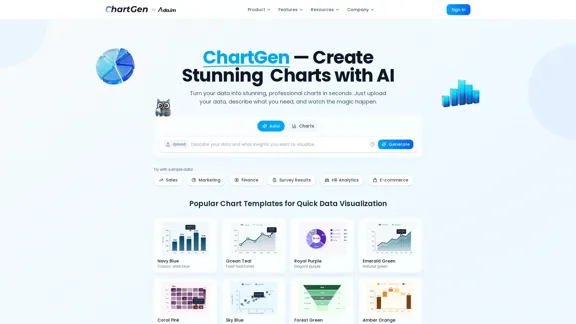
ChartGen ist Ihr kostenloser KI-Diagramm-Generator, der das Erstellen schöner Diagramme zum Kinderspiel macht. Egal, ob Sie Balkendiagramme, Liniendiagramme, Kreisdiagramme, Heatmaps oder Streudiagramme benötigen, Sie können sie in nur wenigen Sekunden erstellen. Laden Sie einfach Ihre Daten hoch und sagen Sie uns, was Sie brauchen – keine Designfähigkeiten erforderlich. Angetrieben von Ada.im.
27.64 K
Details anzeigen
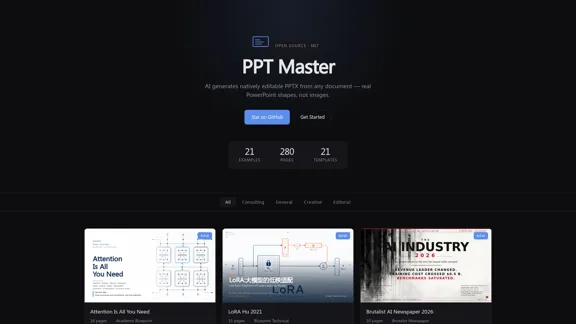
PPT Master — KI erstellt nativ bearbeitbare PPTX aus jedem Dokument.
PPT Master — KI erstellt nativ bearbeitbare PPTX aus jedem Dokument.Laden Sie eine PDF, DOCX, URL oder Markdown hoch – erhalten Sie eine nativ bearbeitbare PowerPoint mit echten Formen, keine Bilder. Open-Source-Vorlagen und Live-Beispiele.
--
Details anzeigen
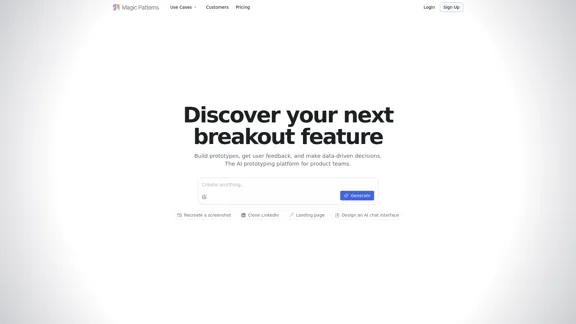
Magic Patterns - Die KI-Prototyping-Plattform für Produktteams
Magic Patterns - Die KI-Prototyping-Plattform für ProduktteamsErstellen Sie Prototypen, sammeln Sie Benutzerfeedback und treffen Sie mühelos informierte Entscheidungen. Magic Patterns ist darauf ausgelegt, Produktteams mit einem intuitiven, KI-gesteuerten Ansatz zu unterstützen.
319.24 K
Details anzeigen
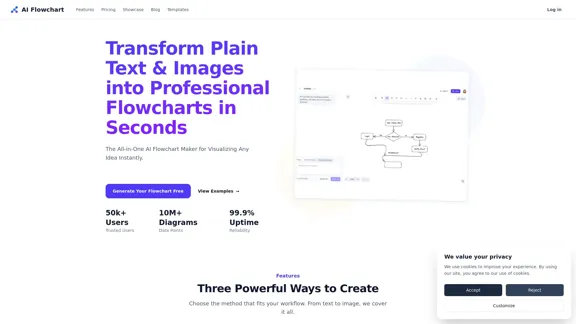
AI Flowchart Generator - Text und Bild online in Flussdiagramm umwandeln
AI Flowchart Generator - Text und Bild online in Flussdiagramm umwandelnTransformieren Sie Ihren Text, Ihre Eingabeaufforderungen oder Bilder in schlanke, bearbeitbare Flussdiagramme mit unserer KI-Technologie. Es ist ein ideales Werkzeug für Entwickler, Produktmanager und Geschäftsanalysten, die ihren Arbeitsablauf optimieren möchten.
--

Details anzeigen
Kostenloser Online YouTube Thumbnail Maker - Erstellen Sie beeindruckende YouTube-Thumbnails mit KI.
Kostenloser Online YouTube Thumbnail Maker - Erstellen Sie beeindruckende YouTube-Thumbnails mit KI.Easily erstellen Sie auffällige YouTube-Thumbnails mit unserem KI-gestützten Tool. Egal, ob Sie neue Designs generieren, bestehende nachbilden, Gesichter austauschen oder Änderungen vornehmen möchten, wir haben alles, was Sie brauchen, um mehr Klicks zu gewinnen.
--
Details anzeigen
Kostenloser AI Logo Maker: Erstellen Sie benutzerdefinierte Logos aus Text
Kostenloser AI Logo Maker: Erstellen Sie benutzerdefinierte Logos aus TextErstellen Sie schnell beeindruckende, maßgeschneiderte Logos mit AI Logo Maker - dem fortschrittlichsten KI-gestützten Logo-Generator. Geben Sie einfach Ihren Firmennamen und Ihre Präferenzen ein, unsere leistungsstarke KI analysiert Millionen von professionellen Logos und generiert sofort unbegrenzte kreative Logo-Optionen, die auf Ihre Marke zugeschnitten sind, mithilfe von maschinellem Lernen. Die intuitive Benutzeroberfläche macht es einfach, Schriftarten, Farben, Layouts und Symbole perfekt anzupassen, und dann hochwertige PNG-, SVG-, PDF-Dateien und mehr herunterzuladen, die bereit für die kommerzielle Nutzung sind. AI Logo Maker ermöglicht es jedem, in wenigen Minuten professionelle Logos zu erstellen, ohne komplexe Designfähigkeiten oder Software. Unser KI-Logo-Generator bietet eine schnelle, effiziente und kostengünstige Logo-Design-Lösung für Unternehmen in jeder Branche.
154.97 K
Details anzeigen
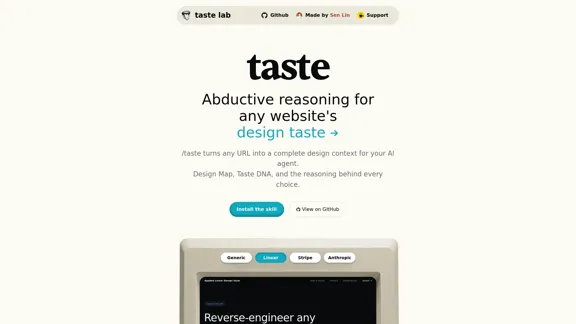
Erforschen Sie das Wesen des Designs durch abduktives Denken. Entdecken Sie den Geschmack jeder Website, indem Sie ihre Tokens und die Entscheidungen, die sie formen, analysieren. Es ist eine Fähigkeit, die von Claude Code unterstützt wird.
--
Details anzeigen
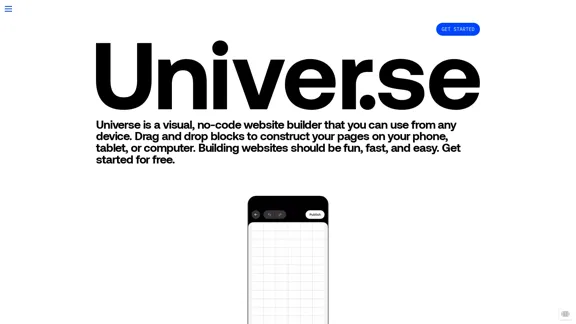
Universe ist ein benutzerfreundlicher Website-Builder, der es Ihnen ermöglicht, eine Domain auszuwählen und Ihre Online-Präsenz in nur wenigen Minuten einzurichten. Egal, ob Sie Shops, Link-in-Bio-Seiten oder mehr erstellen, Sie können alles von Ihrem Mobiltelefon, iPad oder Mac aus tun.
229.28 K