Designkit offers a free online background remover that allows users to remove image backgrounds in seconds. This tool is designed for various applications, including e-commerce, social media, and personal projects. With no signup or downloads required, users can easily upload images and receive clean cutouts, making it accessible for everyone.
Designkit - Eliminate Image Background in Seconds
Instantly remove backgrounds from your images with Designkit's free AI background remover. You can batch process up to 15 photos, change background colors, and resize images to fit platforms like Amazon, Shopify, Instagram, and more — all without the need for signup.
Image
Oct 23, 2026
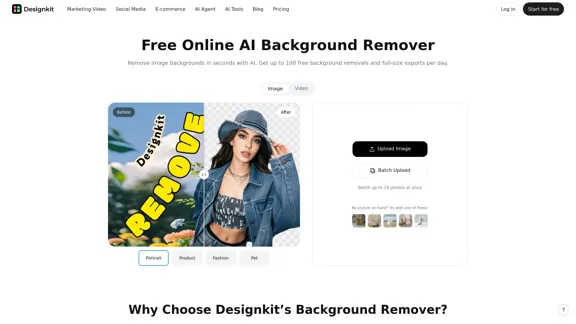
Visit Website
Designkit Introduction
Designkit Features
-
No Signup or Downloads Required
Users can instantly remove image backgrounds without the need to create an account or download software, streamlining the process.
-
100 Free Cutouts Every Day
The tool allows for up to 100 background removals daily at no cost, making it ideal for frequent users.
-
Batch Background Removal
Users can upload and process up to 15 images simultaneously, saving time and enhancing workflow efficiency.
-
Automatic Background Detection
The AI technology detects the main subject in images, allowing for quick and accurate background removal, even in complex scenarios.
-
Customizable Background Options
After removing the background, users can choose to keep it transparent, switch to a solid color, or select a custom background to enhance their images.
-
Image Quality Preservation
The tool is designed to maintain the clarity and details of the original image, ensuring that fine elements remain sharp in the final cutout.
Designkit How to Use?
- Open Designkit's Background Remover and upload your image.
- The AI will automatically detect the subject and remove the background.
- Preview the cutout and choose to keep the background transparent or select a new color.
- Resize the image for specific platforms or enter custom dimensions.
- Sign in to export full-size images, with up to 100 free exports available daily.
Designkit Q&A
How do I remove the background from an image online for free?
Open Designkit's Background Remover, upload your image, and the AI will automatically detect the subject and remove the background in seconds.
Can I remove the background from multiple images at once?
Yes, Designkit supports batch background removal for up to 15 images simultaneously.
Is Designkit's background remover free? Do I need to sign up to remove a background?
Yes, you can preview background-removed results for free without signing up. Sign in to export full-size images.
Can I make the background transparent?
Yes, after removing the background, you can keep it transparent and download the result as a PNG.
Can I change the background after removing it?
Yes, you can choose to keep the background transparent, select white, or choose a custom color after the original background is removed.
Designkit Price
Price data is not available yet, please go to the official website to check.
* Prices are for reference only. Please refer to the official latest data for actual prices.
Designkit Evaluation
-
Designkit's Background Remover excels in providing a user-friendly interface that allows for quick and efficient background removal without the need for extensive design skills.
-
The batch processing feature is particularly beneficial for users handling multiple images, making it a time-saving tool for e-commerce and content creation.
-
While the tool performs well for standard images, users may encounter limitations with highly complex backgrounds that require manual adjustments.
-
Overall, Designkit's Background Remover is a valuable resource for individuals and businesses looking to enhance their visual content quickly and effectively, though it may not replace more advanced editing software for intricate tasks.
Related Websites
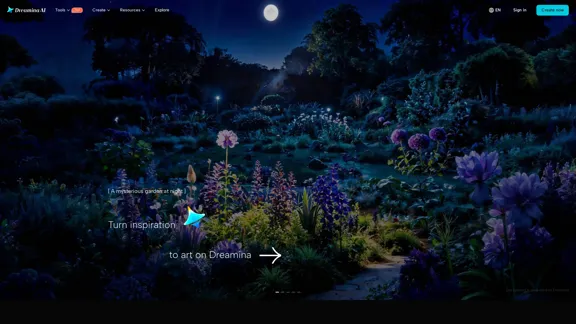
Check Details
Unleash your creativity with Dreamina, the free AI image generator that transforms your prompts into stunning art and images. Plus, you can bring your creations to life with captivating animations. Dreamina is here to make your artistic journey effortless and enjoyable.
0
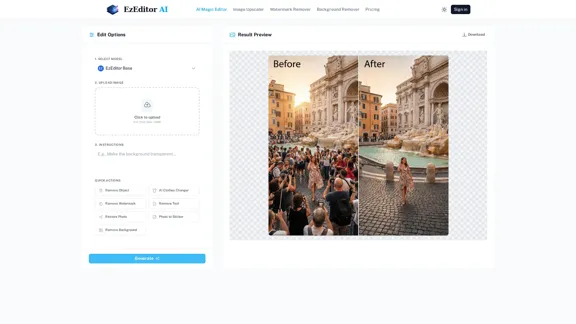
Check Details
AI Magic Editor - Easy text-to-image editing and creative filling.
AI Magic Editor - Easy text-to-image editing and creative filling.Transform your photos in an instant with just a few text prompts. AI Magic Editor allows you to seamlessly add objects, change outfits, or expand your images without the hassle of manual masking. Plus, you can kickstart your creativity with free daily credits!
67.88 K
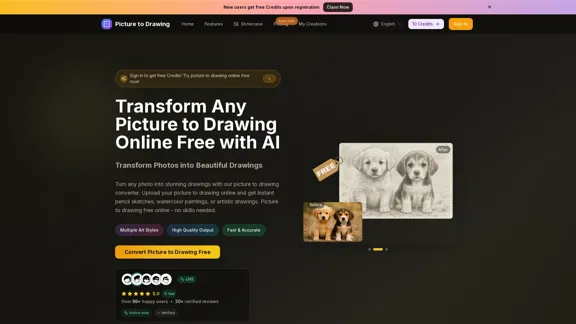
Check Details
Picture to Drawing - Convert Photos to Drawings Online for Free
Picture to Drawing - Convert Photos to Drawings Online for FreeEasily convert your photos into stunning drawings with our free online tool. Whether you're looking for a pencil sketch, a watercolor painting, or an artistic drawing, our converter has you covered. No downloads needed—just upload your picture and watch the magic happen!
0
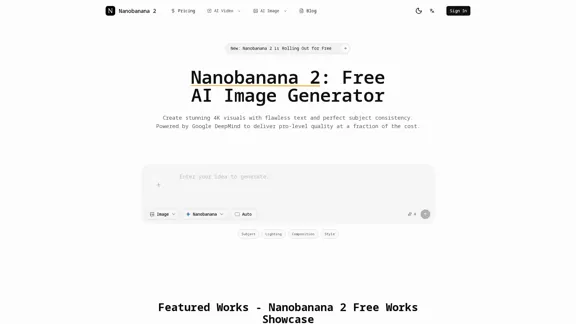
Check Details
Say goodbye to generic AI art and hello to breathtaking 4K visuals. With Nanobanana 2, you can achieve impeccable text and character consistency at a fraction of the cost and time. Experience the difference today!
--
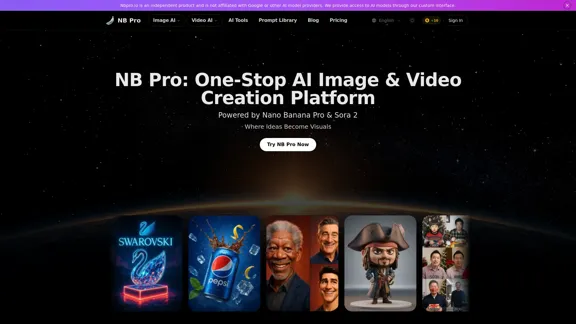
Check Details
NB Pro - Free Comprehensive AI Image & Video Creator
NB Pro - Free Comprehensive AI Image & Video CreatorDiscover the power of Nano Banana Pro and Sora 2 with NB Pro. This all-in-one platform features an AI prompt optimizer and a comprehensive Prompt Library. Best of all, it's completely free, with no watermarks and no waiting lists. Dive in and start generating today!
2.76 K
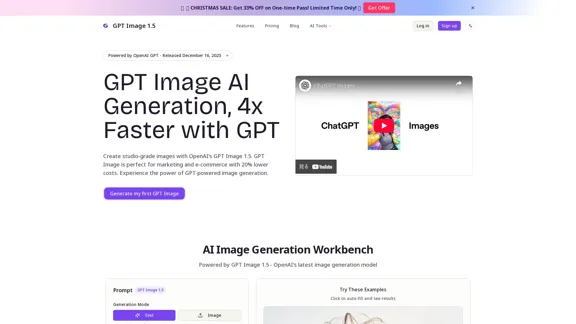
Check Details
GPT Image 1.5 - OpenAI's Groundbreaking AI for Creating Images
GPT Image 1.5 - OpenAI's Groundbreaking AI for Creating ImagesIntroducing GPT Image 1.5, OpenAI's advanced AI image generation model that was released on December 16, 2025. This version is four times faster than its predecessor, GPT-Image-1, and features accurate prompt adherence along with improved editing capabilities designed for marketing and e-commerce. With better text rendering and studio-quality output, it is now accessible via ChatGPT Images and API at a 20% reduced price.
0
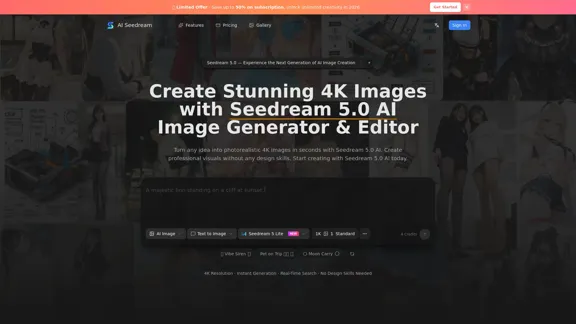
Check Details
Seedream 5.0 is the latest and most advanced AI image generator from ByteDance. With the ability to create stunning photorealistic 4K images in just seconds, Seedream 5 AI offers real-time web search, intelligent reasoning, and precise editing capabilities. Experience the power of Seedream V5 AI online today.
--
Check Details
seedream 5 is Bytedance's innovative AI image generator that allows you to create stunning images online for free. Explore the capabilities of the seedream 5 Model and discover creative prompts on the official website.
--