CleanAudioは、音声およびビデオファイルからバックグラウンドノイズを除去するために設計されたAI駆動のツールです。ポッドキャスト、インタビュー、ボイスオーバー、レッスンなどの保存された録音の品質を向上させるのに特に役立ちます。ユーザーはさまざまなファイル形式をアップロードし、エクスポートする前に元の音声とクリーニングされたバージョンを比較できます。このサービスは、話された内容の整合性を維持しながら明瞭さを向上させることを目的としています。
CleanAudio - AIを使って音声と映像からバックグラウンドノイズを除去
ポッドキャスト、インタビュー、ボイスオーバー、会議、レッスン、ビデオの気を散らすバックグラウンドノイズにさようならを言いましょう。私たちのAI技術を使えば、MP3、WAV、M4A、FLAC、MP4、MOV、WEBMなど、さまざまなオーディオおよびビデオフォーマットを簡単に処理できます。
生産力
Aug 23, 2026
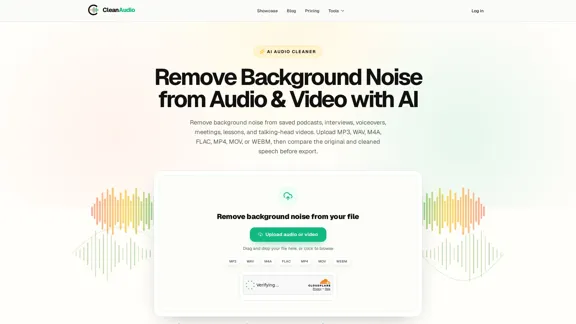
ウェブサイトにアクセス
ai clean audio 紹介
ai clean audio 機能
-
対応ファイル形式
CleanAudioは、以下のさまざまな音声およびビデオ形式を受け付けています:
音声形式 ビデオ形式 MP3 MP4 WAV MOV M4A WEBM FLAC -
バックグラウンドノイズ除去
このツールは、録音からバックグラウンドノイズを効果的に除去し、元の音質を保持しながらスピーチの明瞭さを向上させます。
-
実際のゲストプレビュー
ユーザーは、クリーニングされたファイルをエクスポートする前に、最大30秒の処理されたセグメントをプレビューでき、結果に満足できることを確認できます。
-
直接の分処理
十分な処理分を持つユーザーは、プレビューなしで直接フル処理を開始でき、ワークフローを効率化します。
-
互換性チェック
CleanAudioは、アップロードされたファイルが処理要件を満たしているかどうかを確認する互換性チェックを行い、アップロード中のエラーを防ぎます。
-
プライベートで安全な処理
このサービスは、アップロードされたファイルに対して短命のプライベートアクセスを使用することでプライバシーを保証し、ユーザーデータが安全に処理されることを確保します。
-
柔軟な処理分
ユーザーは、一回限りのパッケージを購入するか、月額プランに加入して処理分への継続的なアクセスを得ることができ、使用ニーズに応じた柔軟性を提供します。
ai clean audio どのように使用しますか?
- CleanAudioプラットフォームに対応した音声またはビデオファイルをアップロードします。
- AIにファイルを処理させてバックグラウンドノイズを除去します。
- 音声またはビデオの元のバージョンとクリーニングされたバージョンを比較します。
- 結果が期待に沿う場合は、クリーニングされたファイルをダウンロードします。
ai clean audio よくある質問
CleanAudioはどのような録音に対応していますか?
CleanAudioは、ポッドキャスト、ボイスオーバー、インタビュー、録音されたレッスンなど、スピーチを含む保存された録音に特化しています。
CleanAudioはどのようなバックグラウンドノイズを減少させることができますか?
このツールは、ファンの音、マイクのヒス音、軽い部屋のトーン、一部の屋外の音など、一定のバックグラウンドノイズを効果的に減少させることができ、スピーチが明瞭である限り対応します。
CleanAudioをライブ録音に使用できますか?
いいえ、CleanAudioはライブ通話やストリームには対応しておらず、保存された録音のみを処理します。
プレビュー機能はどのように機能しますか?
ゲストは、クリーニングされたファイルをエクスポートする前に、最大30秒の実際の処理プレビューにアクセスできます。十分な処理分を持つサインインユーザーは、直接フル処理を開始できます。
アップロードしたファイルはどうなりますか?
ゲストのアップロードは24時間後に期限切れになりますが、有料または分ベースの結果は最大7日間利用可能です。
ai clean audio 価格
価格データはまだ利用できませんので、公式ウェブサイトで確認してください。
* 価格は参考用です。実際の価格は公式サイトの最新データに基づきます。
ai clean audio 評価
- CleanAudioは、さまざまな録音シナリオにおいてバックグラウンドノイズを効果的に除去し、スピーチの明瞭さを向上させるため、コンテンツクリエイターにとって貴重なツールです。
- 実際のゲストプレビューフィーチャーは有益で、ユーザーがエクスポートにコミットする前にクリーニングされた音声の品質を評価できます。
- ただし、このサービスはエコー除去やスピーカー分離などの問題には対応しておらず、特定の状況での効果が制限される可能性があります。
- 価格構造はより透明であるべきで、潜在的なユーザーは明確な情報がないとコストを理解するのが難しいかもしれません。
- 全体として、CleanAudioは音質を改善するための実用的なソリューションですが、ユーザーは複雑な音声問題に関する制限を認識しておくべきです。
関連ウェブサイト
詳細を見る
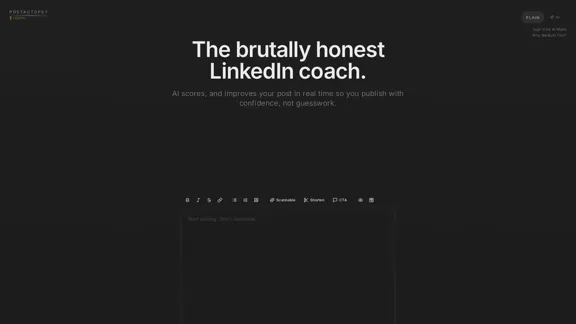
LinkedInの投稿に関する即時のAIインサイトを受け取ります。コンテンツを評価し、強化し、自信を持って共有しましょう。
1.69 K
詳細を見る
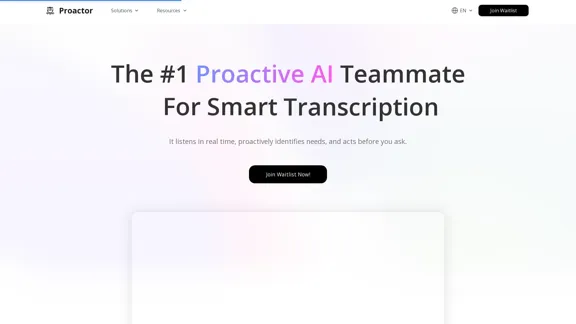
Proactor AIは、あなたの文脈を理解し、記憶を強化したチームメイトとして機能します。会話を聞き、ニーズを把握し、リアルタイムで積極的に行動するため、あなたが指示する必要はありません。
142.05 K
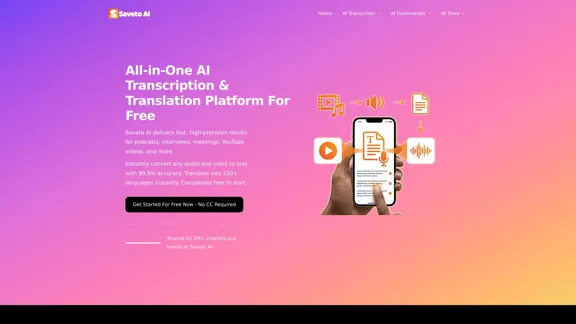
詳細を見る
150以上の言語を簡単に文字起こしおよび翻訳します。Saveto AIは、ポッドキャスト、インタビュー、会議、YouTubeなどに対して迅速で高精度な結果を提供します。
--
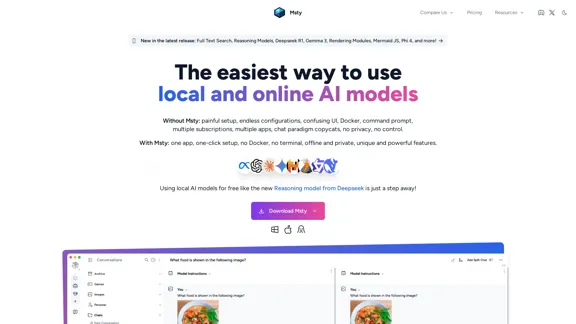
詳細を見る
Mstyで基本的なチャットを超えたAIを体験してください。プライベートおよびオフラインチャット、分割および分岐する会話、同時チャット、ウェブ検索、RAG、プロンプトライブラリ、バポーモードなどの機能をお楽しみいただけます。これは、LM Studio、Jan AI、Perplexityの完璧な代替手段であり、OpenAI、Deepseek、Claude、Ollama、HuggingFaceのモデルをすべて単一の統一インターフェース内で使用することができます。
0
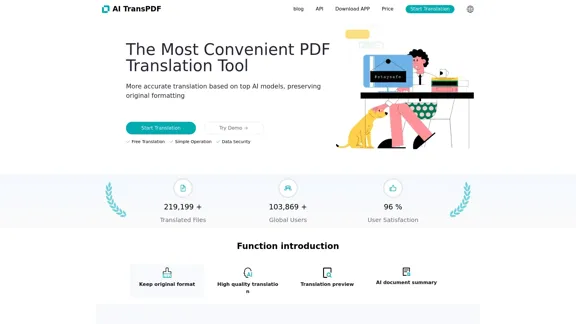
詳細を見る
さまざまなドキュメント形式(PDF、PPTX、XLSX、EPUBなど)に対してシームレスな翻訳を体験してください。私たちのサービスは、ファイルが元のフォーマットを保持しながら正確な翻訳を提供することを保証します。無料の翻訳プレビュー、スキャンしたドキュメントのサポート、すぐに始められるユーザーフレンドリーなインターフェースの便利さをお楽しみください。
0
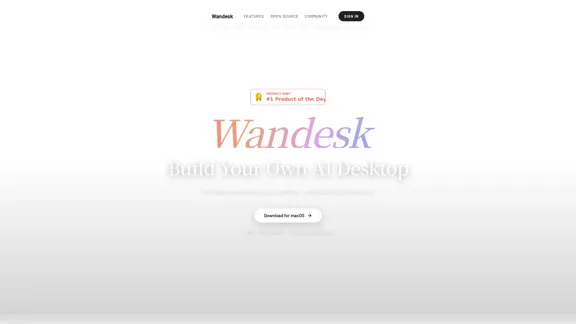
詳細を見る
Wandeskは、必要なアプリを単に説明することで作成できるAIデスクトップです。Claude Code、Codex、DeepSeek、OpenAI、Kimi、Qwen、その他のOpenAI互換ツールを統合する能力を持ち、シームレスに構築できます。AIがあなたの好みを記憶するため、アプリ間で共有されたコンテキストの利点を楽しめます。さらに、すべてがローカルで、サインアップは不要です。
--
詳細を見る
Timelessでは、会話を結果に変えることを信じています。アイデアを話し合うだけでなく、それを実現する時が来ました。
124.01 K